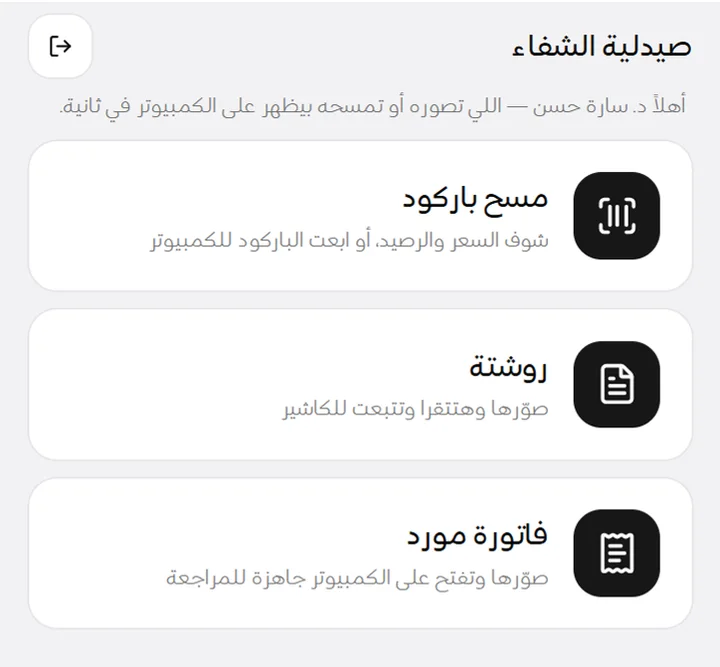
Prescription reading
Reads the doctor and specialty; if a name is unclear it checks again against look-alike items you stock. The pharmacist confirms every item.

Sell, track stock and expiry, buy from suppliers and keep tabs on credit — in one simple program on your PC. It works without internet, and the AI does the typing for you.
Windows 10 & 11 · Arabic & English · your data stays on your PC
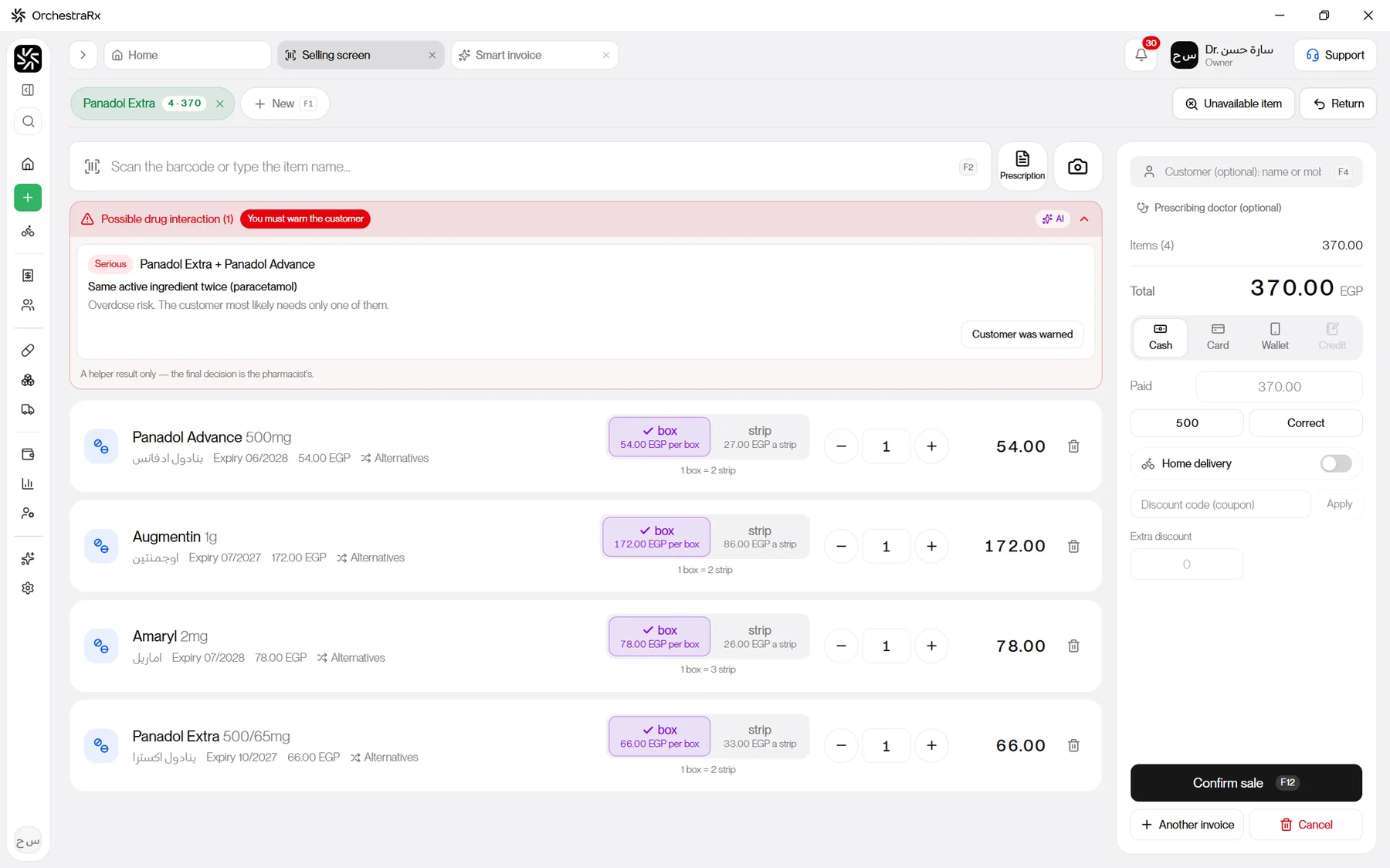
Ready on day one
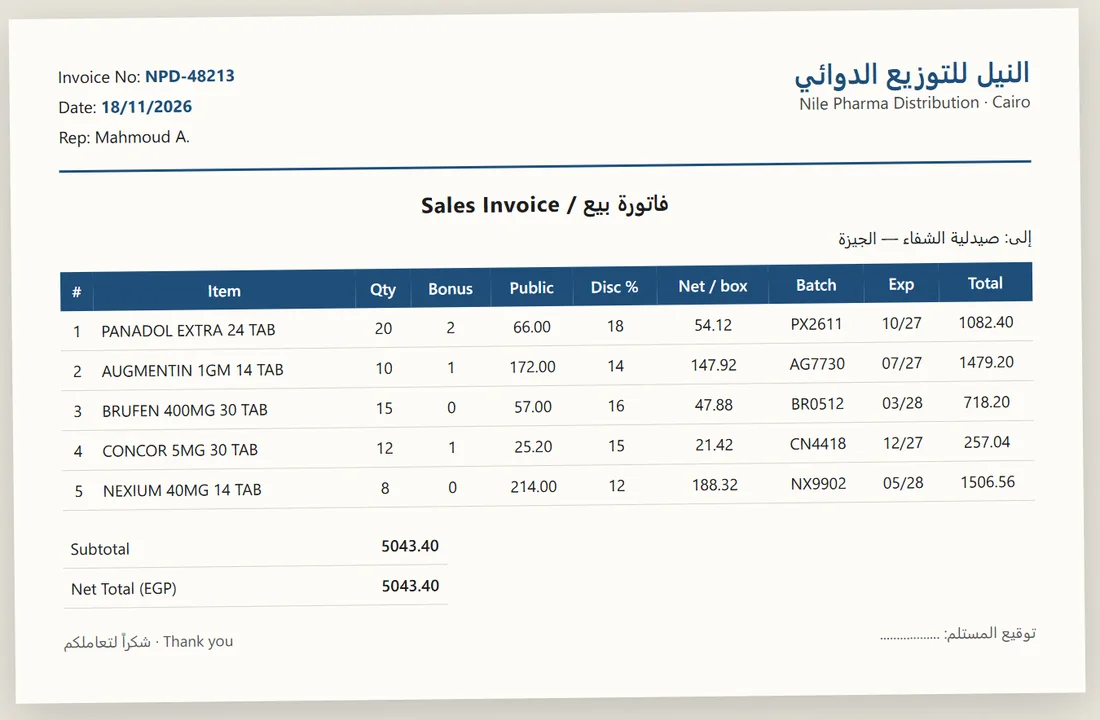
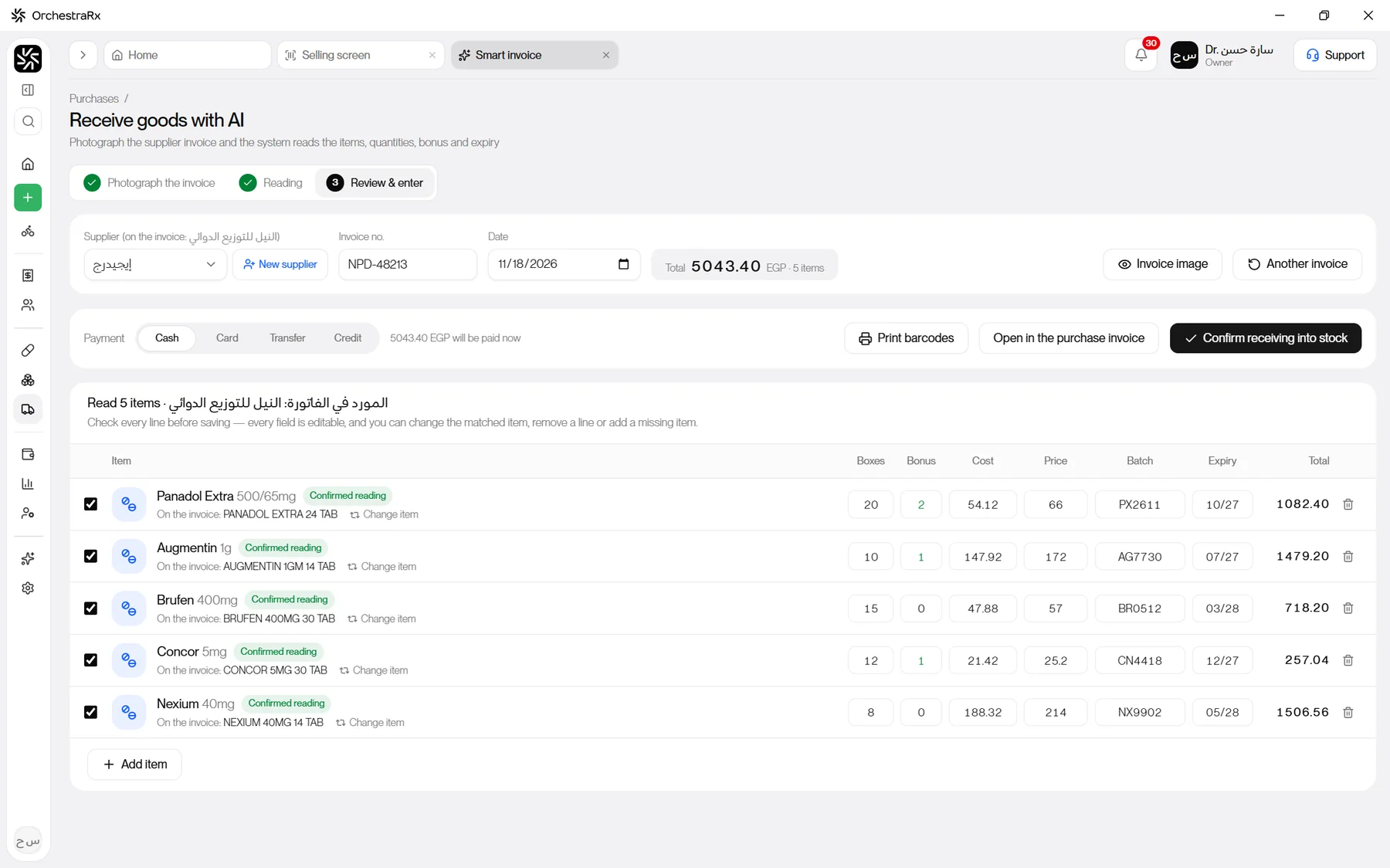
Supplier invoice reading · AI
Everything else, just as easy
Selling
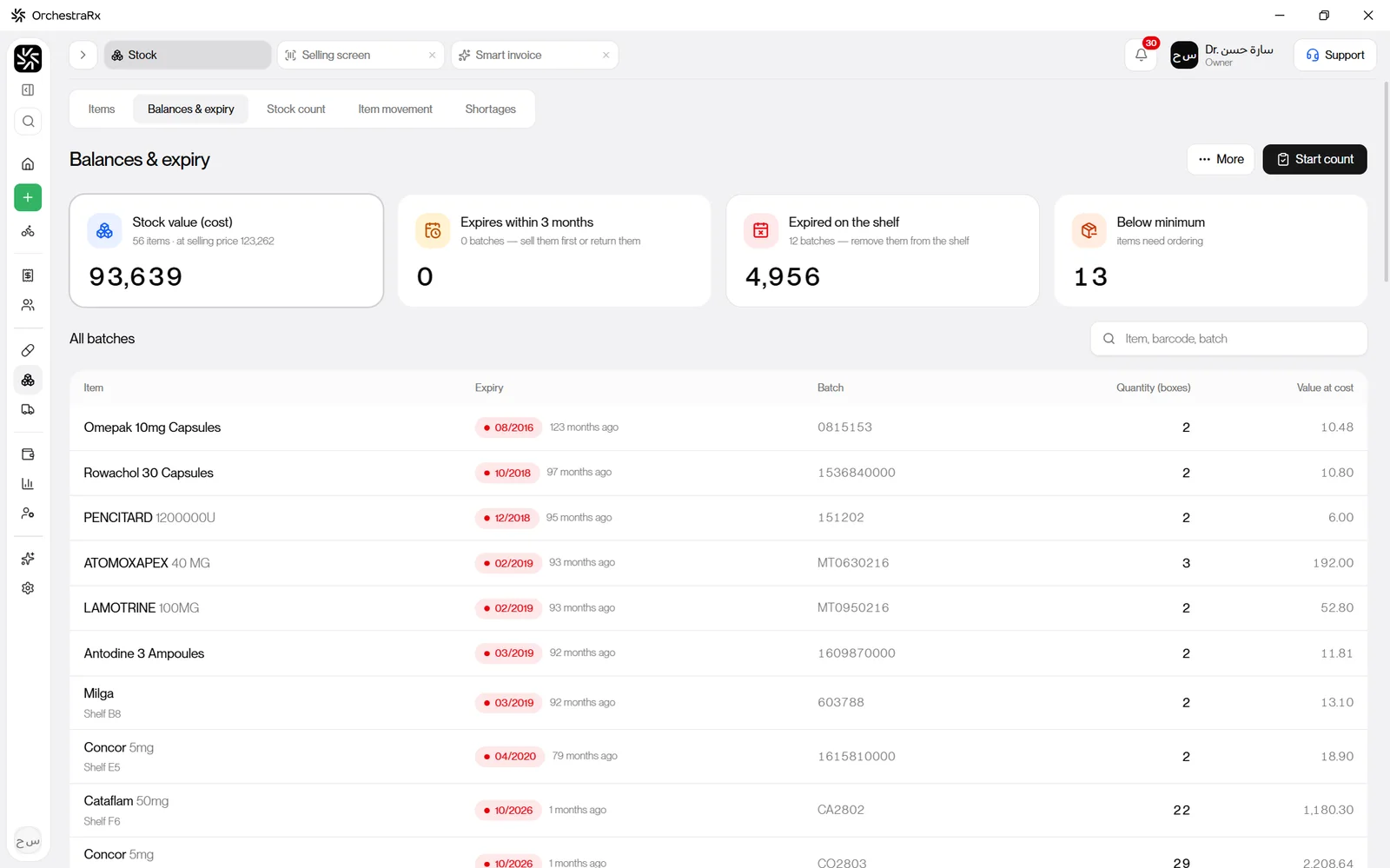
Stock & expiry
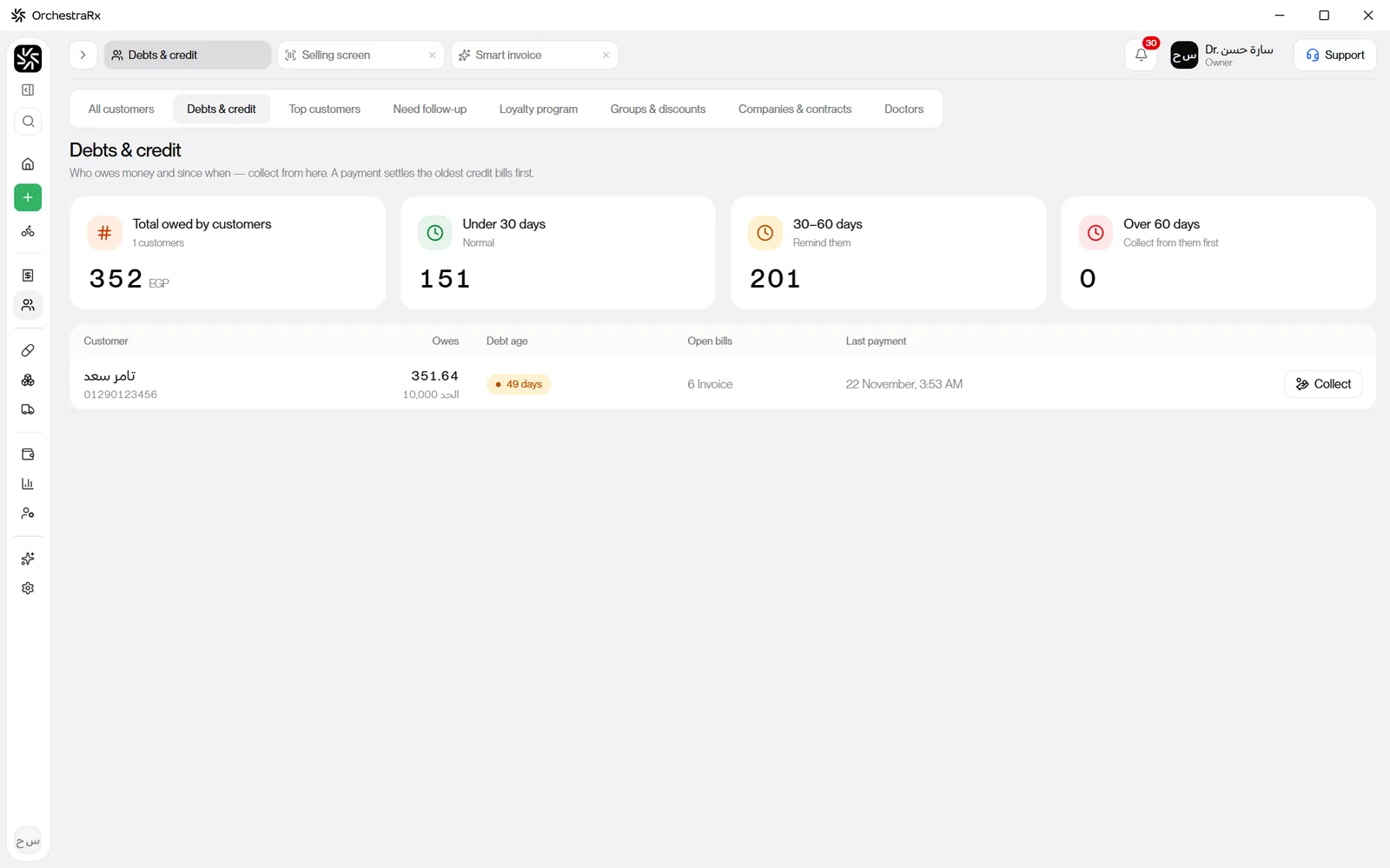
Credit & debts
Reports

More AI help
Reads the doctor and specialty; if a name is unclear it checks again against look-alike items you stock. The pharmacist confirms every item.
A photo becomes a purchase invoice — items, quantities, bonus, cost and expiry. Saves you a quarter of an hour on every delivery.
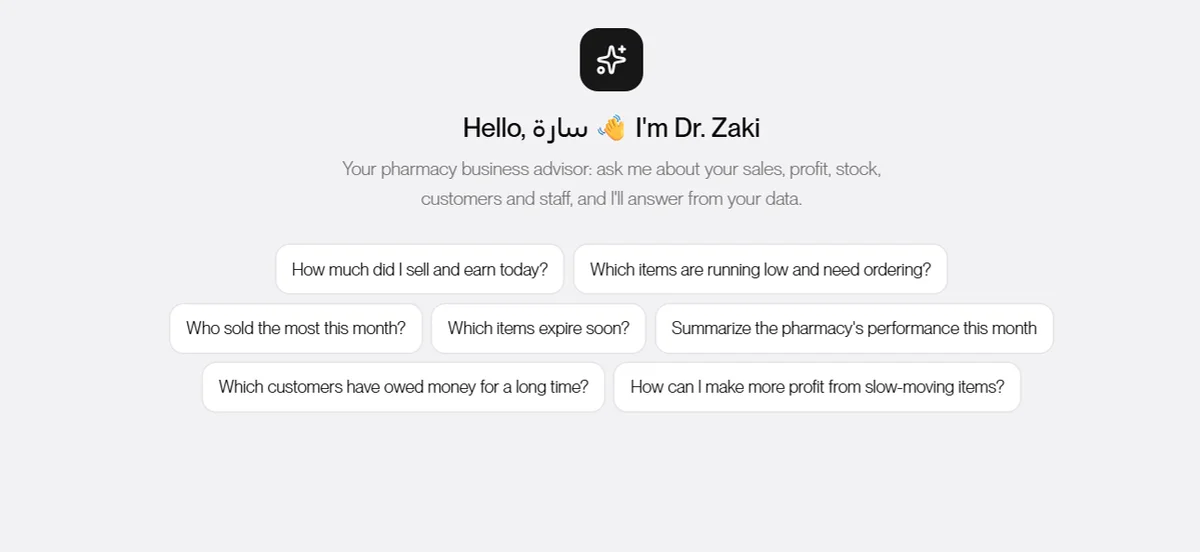
Ask like you'd ask your accountant: how much did I sell today? What's running low? Who's owed me money for too long? Answers come from your data.
Included in the AI plan. The AI helps — the pharmacist always has the final say.
Phone
Your data is yours
And also
Pricing
Everything a pharmacy needs day to day, without the AI.
EGP 200 / month
Download & startRecommended
Everything in Basic — and it reads and thinks with you.
EGP 500 / month
Download & startFor chains and multiple branches.
Let's talk
Contact usPrices in Egyptian pounds, per pharmacy, per month.
FAQ
No. Selling, stock and all your daily work run offline. Internet is only needed for the AI features and for updates.
It reads printed distributor invoices — items, boxes, bonus, cost, price, batch and expiry — and matches each line to an item you stock. You always see every line before it goes into stock, and you can fix anything in a click.
On the pharmacy's PC. OrchestraRx backs up automatically every day and keeps 30 days, takes a copy before every update, and can drop a daily copy on a USB stick or Google Drive.
Export your items, stock, customers and suppliers to Excel from your old program, and OrchestraRx brings them in within minutes. On Enterprise, we do it for you.
Any 80 or 58 mm thermal receipt printer and any barcode label printer. Each PC picks its printers, and printing goes straight out — no dialog.
Export all your data to Excel and PDF from the Backup page any time, and open it without OrchestraRx. Your data is yours.

Windows 10 & 11 · about 130 MB